From OneNote to a daily email brief.
Students keep writing. You review the changes, then the source.
Ready to begin? Check your environment and follow the setup guide. Download and trial →
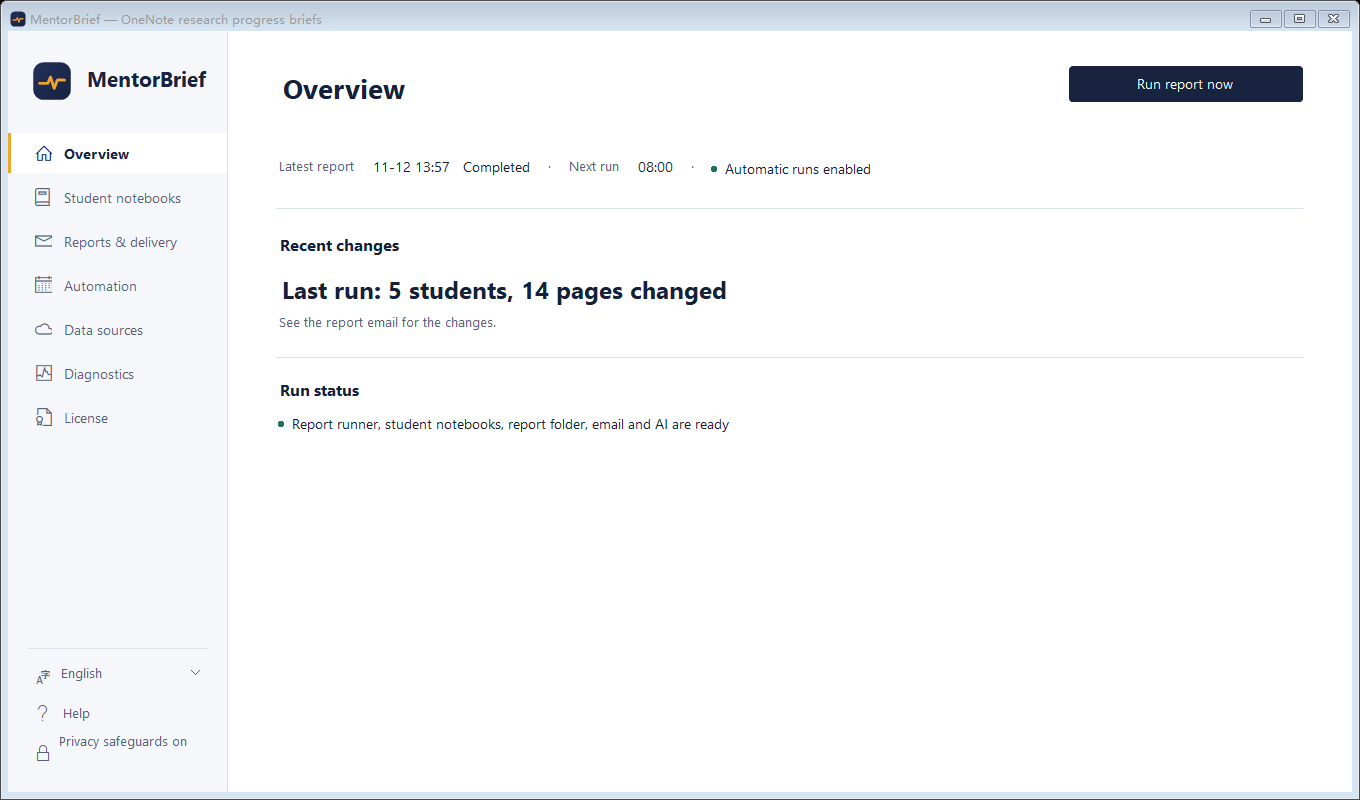
Navigation and important notes
Navigation: Overview, Student notebooks, Reports & delivery, Automation, Data sources, Diagnostics and License. Reports & delivery contains Report folder, AI summary and Email delivery. Saving sends nothing: test the connection, send yourself a test message and confirm receipt. Bring your own AI and mailbox; usage costs extra. Analysis covers text changes, reads are best effort, no change does not prove complete sync, and AI failure does not send raw research text. Consumer activation and restricted recovery are not open.
See the guide for features, permissions and read boundaries.